Login Issues
1. Forgot Password
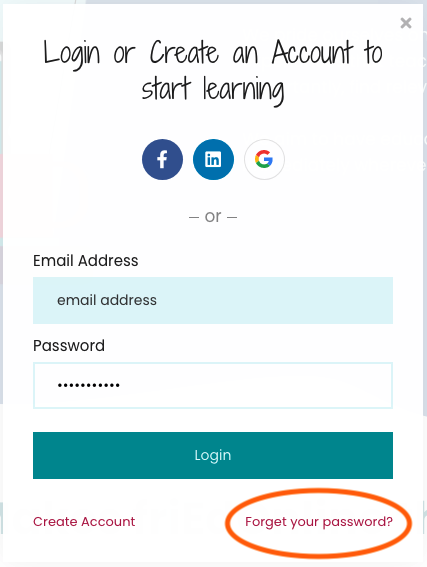
If you selected your own password when creating your friEdOnline account you can use the “Forgot your password?” function on the Login/Sign up page to reset your password.
2. Using Google Credentials
When you originally signed up, you might have used your Google credentials. If they aren't entered exactly right, it won't work. And since it's the Google password, the "Forgot Password" link doesn't work since we don't store this in friEdOnline.
You will need to try logging in with the Google button.
If you have tried both options, you can create a New Support Ticket at the top of this page or email us at friedonline@friedtraining.com.
Related Articles
Troubleshooting and Issues with Vouchers or Google Exam Registration
What if I haven't gotten my voucher yet? The email containing your voucher code will be sent within an hour of you generating your friEdOnline course certificate. If you don't receive the email please check your junk/spam mail. It should be coming ...Troubleshooting Issues in Course
If you are having issues with components in the course, here are some suggestions: Try restarting your computer. Clear the cache and cookies in your Chrome browser. (how to) Turn off your extensions or pop-up blockers. (how to) If you are using your ...Mississippi CEU Information
Completing the friEdOnline Course To qualify for CEUs users must complete a friEdOnline course in its entirety. To complete the course a user must: complete each lesson (noted by the checkmark in the course), pass the final assessment with at least ...